


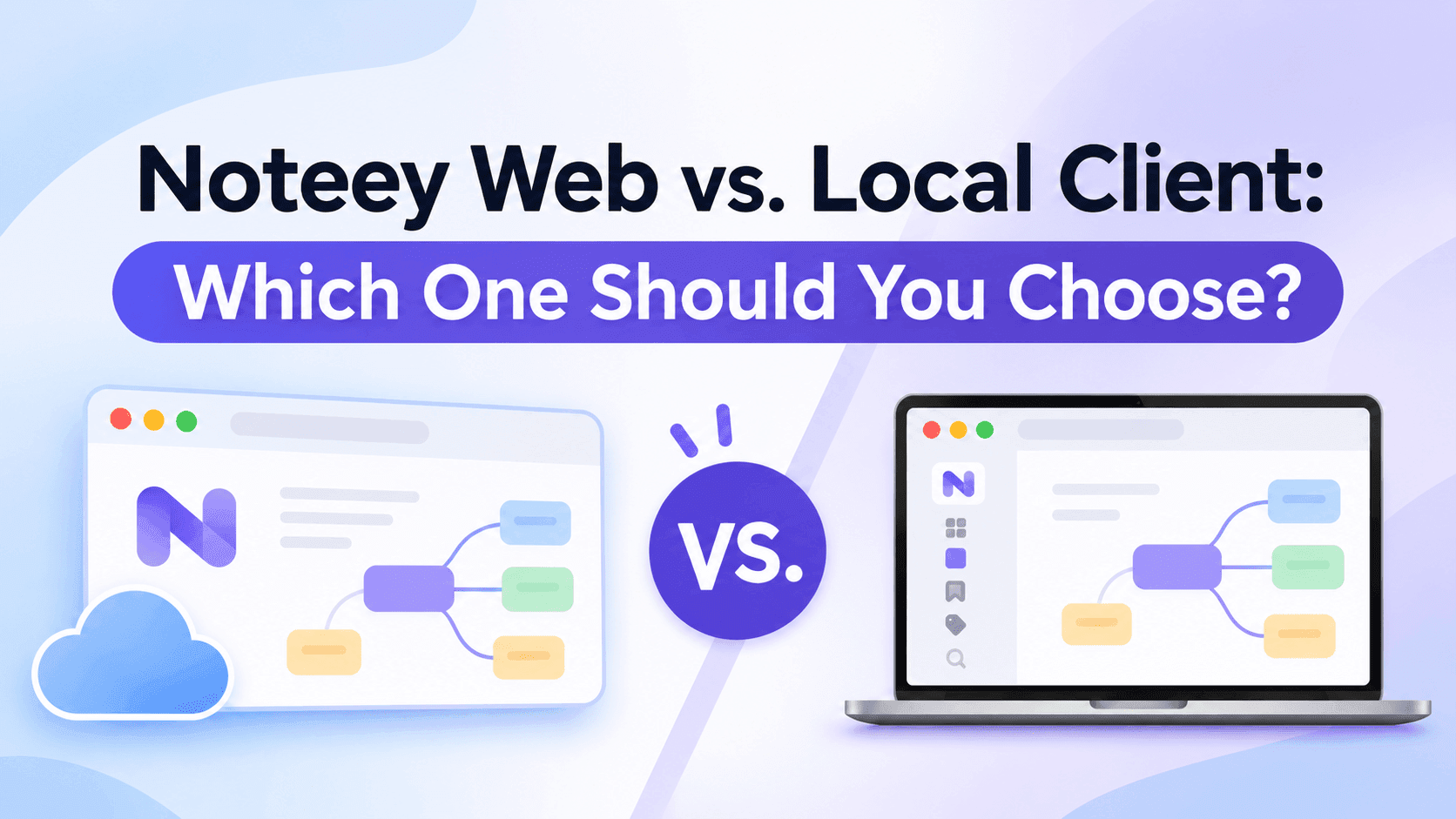
The web version is a standard SaaS product, similar to Canva and Miro. All data is stored in the Noteey cloud and syncs automatically across all your devices.
The local client, on the other hand, stores all data locally on your device. To sync with your other computers, you need to rely on third-party platforms such as iCloud or Google Drive.
The two versions are largely identical in terms of features. However, they differ in certain local-specific features and experiences, as well as in cross-platform support. The specific differences are as follows:
File import
- Local client: Importing files is fast, and it supports link mode.
- Web version: Importing files is slower because files have to be uploaded to the server. Link mode is not supported.
Platform access
- Web version: You can view and edit through a browser on any platform, including computers, tablets, and phones. (The web version also has a desktop client, which is a wrapper around the web app.)
Publish to web
- Local client: Supports publishing cards and canvases to the web. Publishing tag databases to the web is not supported.
Real-time collaboration
- Web version: Supports real-time collaboration on cards, canvases, and tag databases.
- Local client: Does not support real-time collaboration.
Mobile app
- Web version: Comes with a companion mobile app.
- Local client: Does not support a mobile app.
Note: Given our team's extremely limited engineering resources, we've had to make trade-offs on cross-platform support, and we currently don't have the capacity to build a dedicated mobile app for the local client. (Besides, without relying on our own cloud service, it would be technically very difficult for a native mobile app to sync data.)